Movie collections for iPhone
Movie collections with your own point of view.
Films for a rainy weekend. Stories that stayed with you. A few picks for someone who always asks what to watch. Turn individual recommendations into a collection worth sharing.
Browse without an account. Sign in to save your library and progress.
See how it works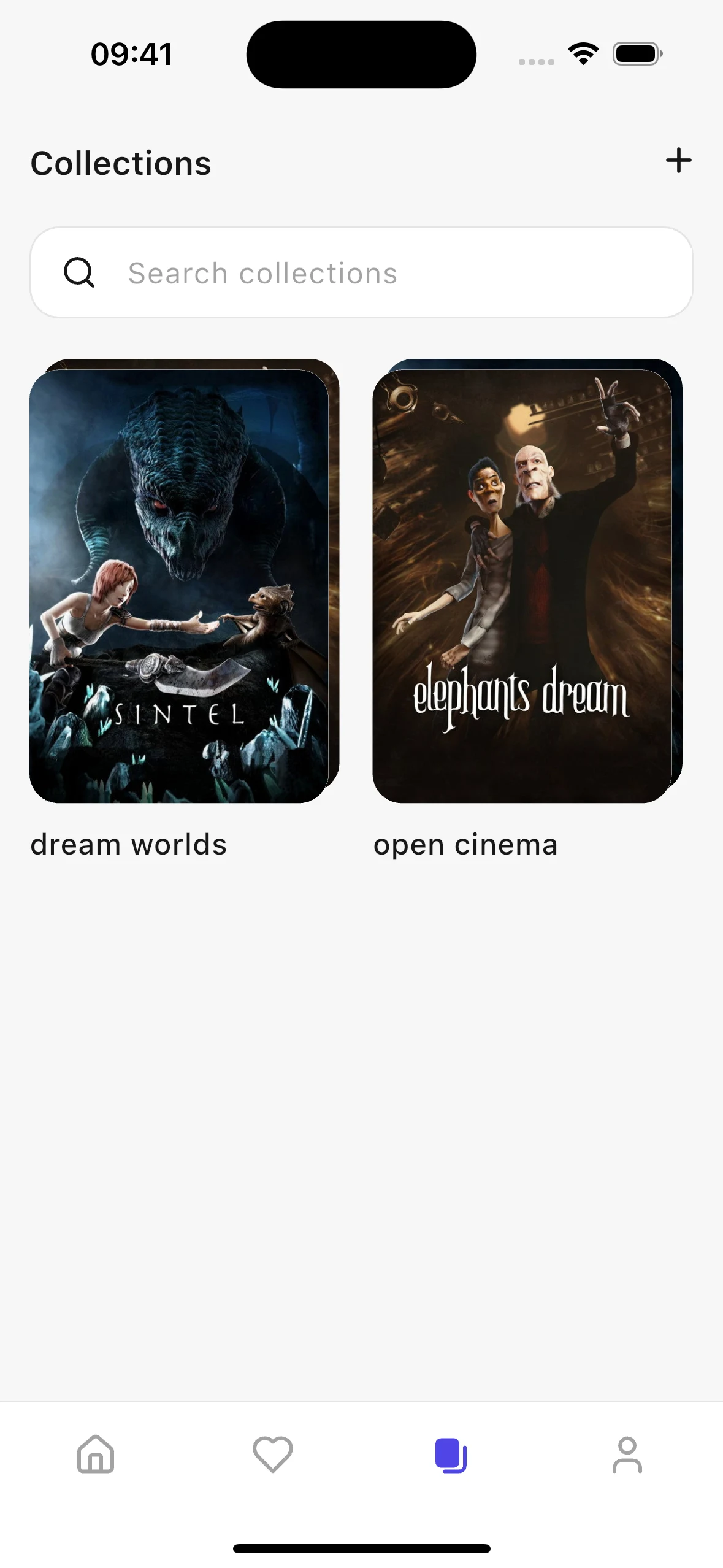
Build a list around an idea
Give your collection a name and add movies or TV shows from your saved and watched titles, or find something new through search. Rename the collection and change its contents as your selection grows. Stacked posters make each list easy to recognize.
Share more than a title
Send a collection link instead of typing out each recommendation. A friend can open the selection and save a copy to their own Kinopal collections. Your original list stays yours: receiving it does not give someone permission to edit it.
Keep a favorite film series together
You do not have to start every collection from scratch. Search for movie franchise collections or save one from a movie detail page. Keep those series alongside your own selections in the dedicated Collections tab.
Getting started
How to create and share a movie collection
Name your collection
Sign in, open Collections, and tap the plus button. Choose a name that describes the theme or the person you are making it for.
Add your picks
Select titles from your library or search for movies and series. Save the collection when your selection is ready.
Send the link
Open the collection and choose Share from its header actions. Send the link through your preferred messaging app.
A few useful answers
Frequently asked questions
Can a collection include both movies and TV shows?
Yes. Your own collections can combine movies and series. A movie franchise collection found through search contains the movies provided for that collection.
Can friends edit a collection I share?
No. Shared collections are read-only for recipients. They can save a shared copy to their account without changing your original selection.
Will a saved shared collection update automatically?
A saved shared copy is not a collaboratively edited list. When the original creator updates the published collection, the recipient can use Sync to pull in those changes while the source remains available.
Do I need an account to create or save collections?
Yes. Creating your own collections and saving shared or franchise collections requires signing in, because these lists belong to your personal library.
More ways to make Kinopal yours
Available on iOS
Your next movie is waiting
Discover freely. Save your favorites. Share a collection worth watching.